Watching a property broadcast on a phone, a laptop or a television
diar.tv ·
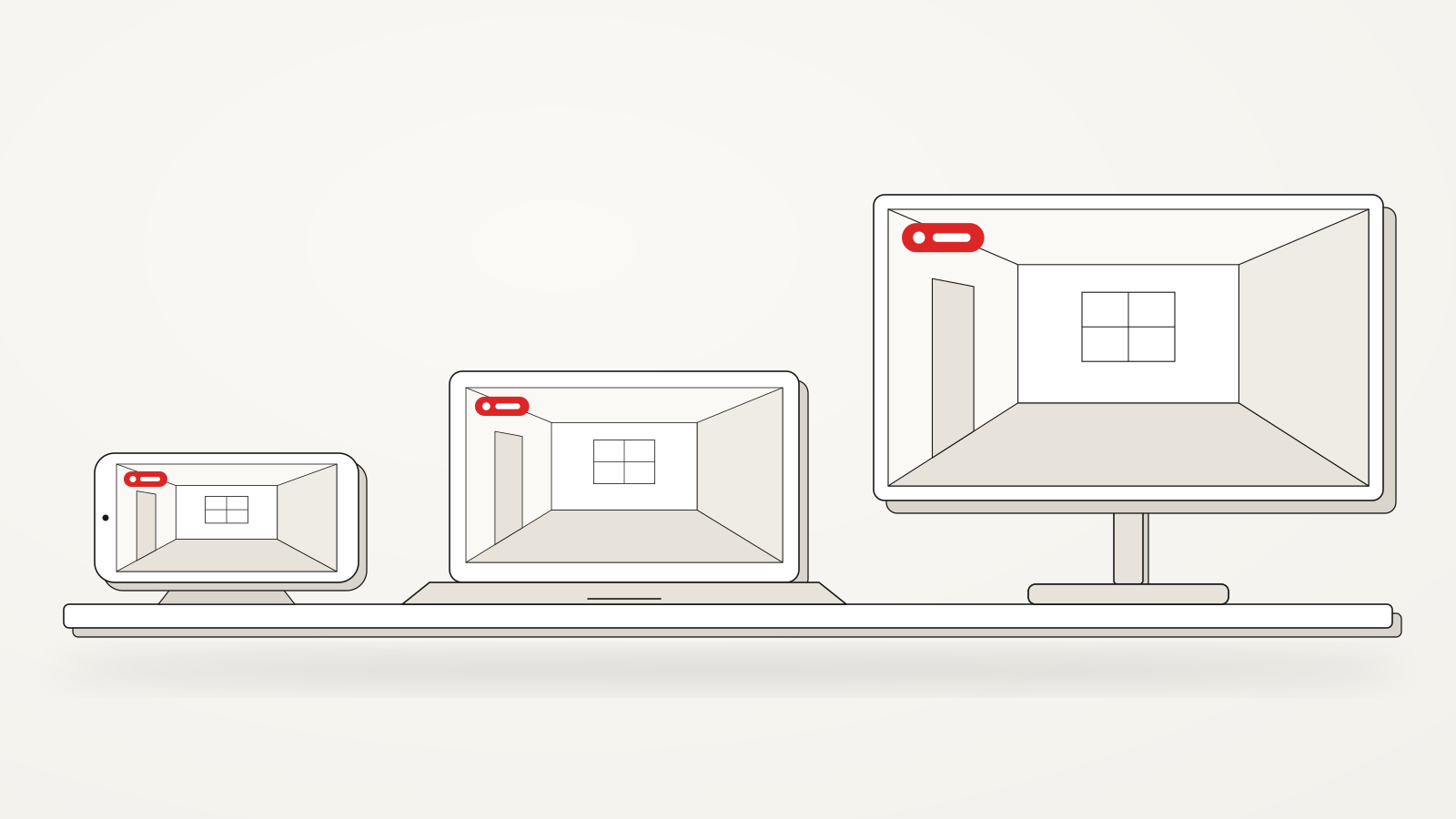
A live launch or viewing is worth watching properly. The detail you came for, a crack in a tile, the light in a bedroom, the view from a balcony, is easy to miss on a small, stuttering picture. This guide covers how to get the best picture and sound, whichever screen you use.
Before it starts
- Use a steady connection. Wi-Fi at home is usually steadier than a mobile signal on the move. If you have to use mobile data, stay somewhere the signal is strong.
- Close what you do not need. Other videos, downloads and calls all compete for the same connection.
- Charge the battery, or plug in. A broadcast can run long, and video uses power quickly.
- Open the page a few minutes early, so that you are there when the agent starts.
On a phone
- Turn the phone sideways and choose full screen in the website's player. The video fills the width of the screen, and rooms are easier to judge.
- Keep the chat in reach. On the website, you can minimise the chat to see more of the picture, and bring it back when you want to ask something.
- Use headphones if you are anywhere noisy. Agents describe as they walk, and it is easy to miss a detail.
- The app. diar.tv also has an app for phones. The download page links to it for each kind of phone it is available on.
On a laptop or computer
- Full screen shows the most detail. Press the full screen button on the player.
- Picture-in-picture. Where your browser supports it, the player can float in a small window over your other work, so that you can read the listing or take notes while you watch.
- Moving around the site. If you open another page on diar.tv during a live broadcast, unless it has moved to a backup stream, the broadcast reopens in a small player in the corner after a moment, and its arrow takes you back to it.
On a television
A television shows a home closest to its real size, which helps with rooms and views. There are two common ways to get the broadcast onto one.
- Mirror your screen. Many phones, tablets and computers can show their screen on a nearby television over your home network. Look in your device's display or connection settings, and follow its instructions.
- Use a cable. Many laptops can connect to a television with a cable, and the television then shows the laptop's screen.
Either way, keep the phone or laptop close by: the chat, "Ask the host" and the page's form are on it, not on the television.
Sound
- If you hear nothing, check the player's sound button. Browsers often start videos silently until you turn the sound on.
- Turn up the device, not only the player. Both have a volume.
If the picture stalls
- Wait a few seconds. A short pause can clear on its own.
- If the broadcast is interrupted, the page says so, and waits for the agent to reconnect. If the agent moves to a backup stream, which may be played by another video service, the page switches to it by itself and tells you.
- Reload the page if the player does not recover.
- Move closer to your router, or switch from mobile data to Wi-Fi, if it keeps happening.
Ask for what you want to see
The best picture in the world only shows what the camera is pointed at. Use the chat, or "Ask the host", to ask the agent to show the view, a cupboard, the bathroom tiles, the corridor. That is what a live broadcast is for.
Where diar.tv stands
LIVE launches, LIVE Viewings and LIVE Rentals on diar.tv are presented live, or as premieres, by government-approved, verified agents. Watching costs nothing, and nothing you do on diar.tv commits you to buy or rent. No money moves through diar.tv.
The short version
Use a steady connection and a charged device. On a phone, turn it sideways and go full screen in the website's player; on a computer, use full screen or picture-in-picture; for a television, mirror your screen or use a cable, and keep the chat in your hand. If the picture stalls, wait, then reload. And ask the agent to show you what you came to see.
Where to go next
- LIVE off-plan launches: diar.tv/off-plan
- The app: diar.tv/download-app
- Watching from another time zone: diar.tv/articles/watching-a-launch-from-another-time-zone
- Watching in your own language: diar.tv/articles/watching-in-your-own-language
- What you need to livestream a property, for agents: diar.tv/articles/live-property-broadcast-kit