Watching a UAE property broadcast in your own language
diar.tv ·
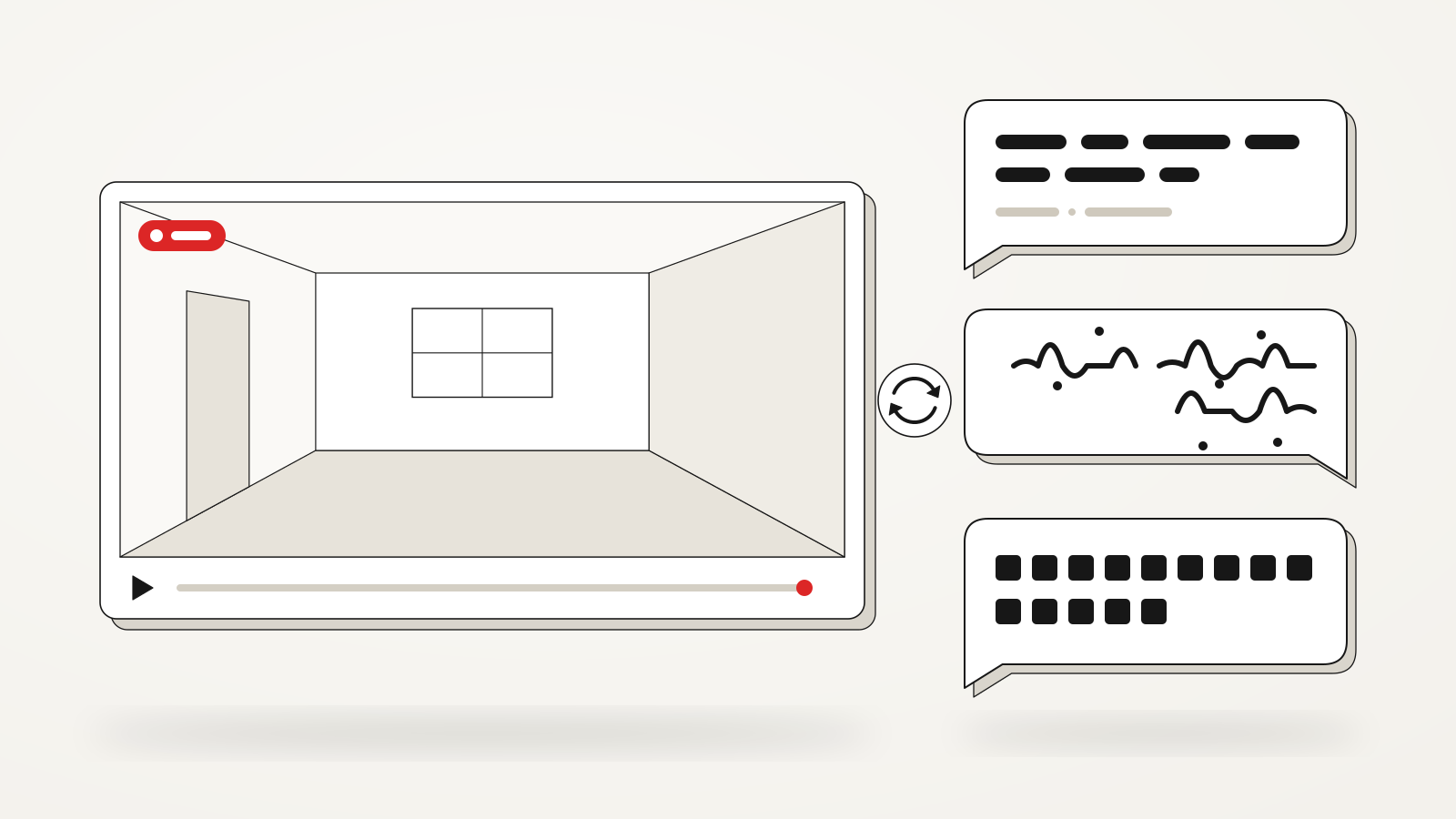
Property in the UAE is bought by people from all over the world, and very few of them share a first language. diar.tv is built for that. This guide explains how to use it in your own language: the site, the broadcasts, and the live chat.
The site, in eighteen languages
diar.tv is available in eighteen languages:
English, Arabic, German, Japanese, Russian, Persian, Chinese, Spanish, Italian, French, Turkish, Hindi, Urdu, Swedish, Danish, Norwegian, Finnish and Portuguese.
Choose yours with the flag at the top of any page. Arabic, Persian and Urdu read from right to left, and the pages do too.
Find a broadcast in your language
The agent speaks in the language of the broadcast, and the broadcast itself is not translated. So the most useful step comes before you press play.
- Each broadcast has a language. The agent chooses it when they set the broadcast up.
- Filter by it. The lists of launches and properties have a Language filter. Choose yours, if it is on the list, and you see the broadcasts in it.
- Look at the agent's languages. An agent's profile lists the languages they speak. An agent who speaks yours may be able to answer you in it, even in a broadcast in another language.
The chat, translated
Each message in the live chat beside a broadcast is translated when it is sent, into up to eight of the languages the room is reading in.
- When you read. A message written in another language can appear in yours, marked "Translated", with "Show original" beside it to see the words as they were written, and "Show translation" to go back. A message sent before anyone was reading in your language stays as it was written.
- When you write. Write in the language you chose for the site. People reading the chat in other languages can see your message in theirs. If you write in a different language from the site's, people who chose the same language for the site see it as you wrote it. The chat is public and kept, so do not write anything private in it.
The translation is done by machine. It is quick, and it can miss a nuance, an idiom or a tone. For anything that matters, ask the agent to confirm it in writing.
A rule that protects you
Because anyone can write in a public chat, the translations are checked before they reach you. A translation may not bring in a number in digits that the original did not have, a message with no web address or @handle cannot gain one, and there is a limit on how much longer a translation can be. If a translation fails that check, you see the original message instead.
A translation can still get a word wrong, including a word such as "million", so for any figure that matters, tap "Show original" and ask the agent to confirm it in writing. Treat anything a stranger posts in a chat with care, and use the "Report" option for anything that looks wrong.
Asking questions across a language
- Keep it short. One question to a message, in plain words, translates best.
- Name things exactly. The unit's name, the floor, the view: specific words survive translation better than general ones.
- Ask the host privately. "Ask the host" sends a question to the agent alone. Your name is optional; if the agent answers it on air, everyone sees the question, without your name. Our guide to asking a question on a live broadcast explains how it works.
- Ask for the answer in writing. A written answer can be read again, and translated at your own pace.
Documents are a different matter
A translated chat is a convenience, not a translation of anything you will sign. Before you sign a developer's booking form or a contract, make sure you understand every line of it, with a translator or an adviser you trust if you need one. No document is signed on diar.tv.
Where diar.tv stands
LIVE launches, LIVE Viewings and LIVE Rentals on diar.tv are presented live, or as premieres, by government-approved, verified agents, and the site and its chat work in eighteen languages. Watching costs nothing, nothing you do on diar.tv commits you to buy or rent, and no money moves through it.
The short version
Choose your language with the flag at the top of any page. Before you watch, filter the broadcasts by your language, and look at the agent's languages on their profile. In the chat, messages in other languages are translated by machine when they are sent, marked "Translated", with the original a tap away, and a translation that would bring in a new number in digits, or a link where there was none, is never shown. For anything that matters, ask for it in writing.
Where to go next
- LIVE off-plan launches: diar.tv/off-plan
- Asking a question on a live broadcast: diar.tv/articles/ask-a-question-on-a-live-broadcast
- Watching from another time zone: diar.tv/articles/watching-a-launch-from-another-time-zone
- Find an agent: diar.tv/agents