How to ask a question on a live broadcast, and get an answer
diar.tv ·
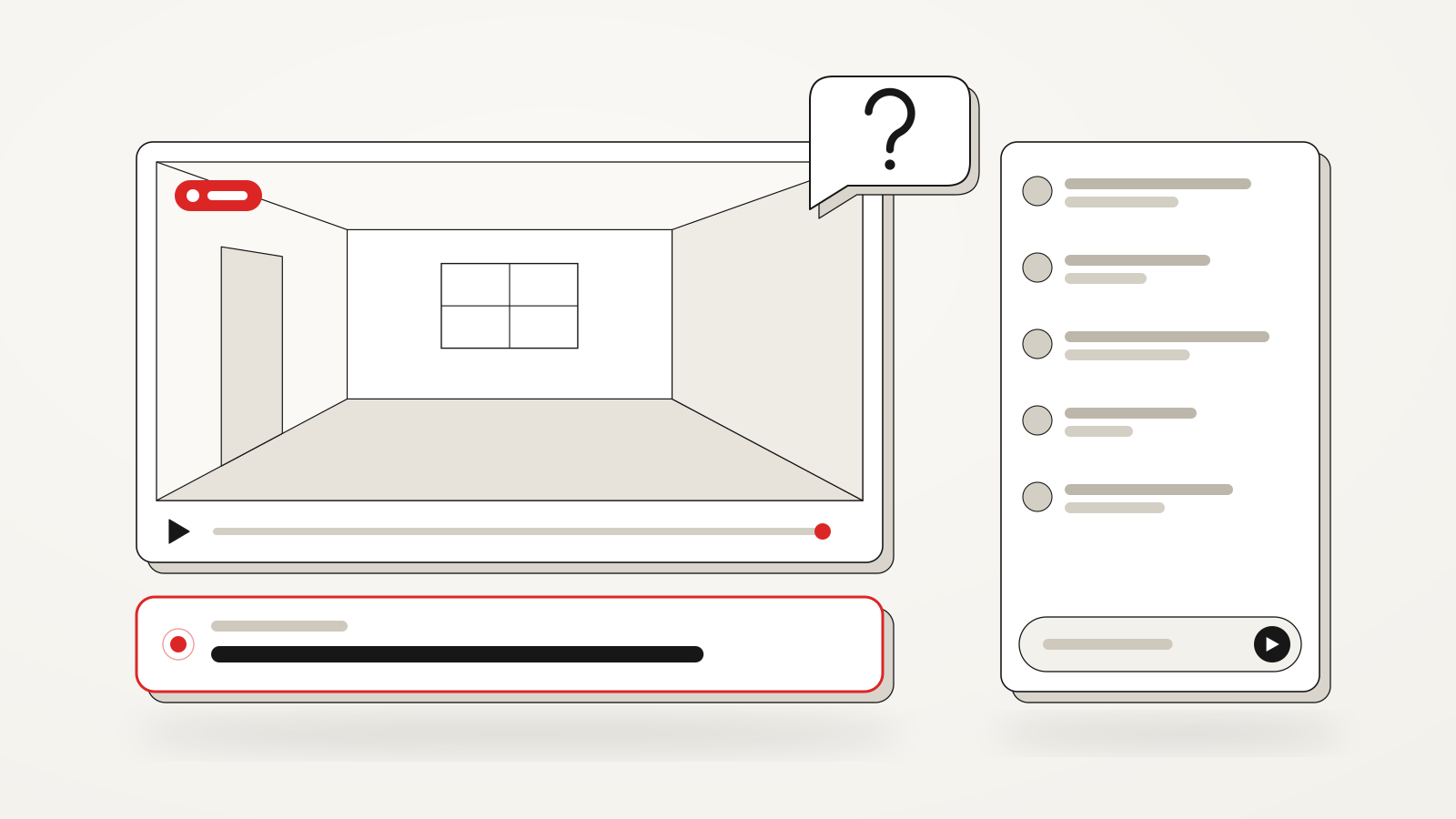
A live broadcast is the one place in property where you can ask the person showing a home a question and hear the answer straight away. Other viewers are asking at the same moment, so how you ask matters.
This guide explains the two ways to ask on diar.tv, and how to write a question the host can answer on air.
Two ways to ask
The live chat
The chat is public. You join it with a name, and everything you write is seen by the host and by every viewer. It is kept with the broadcast, so viewers who arrive late can read what was already asked.
Use it for questions other viewers would want answered too, and to react to what you are seeing.
Ask the host
Under the player is a box headed "Ask the host". A question sent there goes only to the host, and your name is optional.
The host chooses which questions to answer, one at a time. When they take yours, its words appear under the player as "Now answering", without your name, and stay on the page and on any replay. So write nothing in it that you would not want read.
Use it for a question you would rather not ask in public, or one you do not want to see lost in a busy chat.
Write in your own language
You do not have to write in English. Where the site can, a chat message is translated for viewers who read another language. A translated message is marked "Translated", and the original is one tap away.
How to write a question that gets answered
- One question at a time. "Which way does it face, and what floor is it?" is two questions. Send them separately, or the second may be missed.
- Be specific. "Can you show the view from the main bedroom?" is easier to answer on air than "Tell me about the view."
- Ask about what is in front of the camera. A live broadcast does what a photograph cannot: it shows something again, closer, or from the other side.
- Name the part of the home. "The second bathroom", "the balcony door", "the cupboard by the entrance".
- Keep it short. A short question is read faster, and answered sooner.
- Ask what you can check. "Which authority issued the permit?" is a good question. In Dubai, Abu Dhabi, Ras Al Khaimah and Sharjah, the answer is printed on the page as well: Trakheesi in Dubai, Madhmoun in Abu Dhabi, and the advertisement permit from RAK RERA in Ras Al Khaimah (a different authority from Dubai's RERA). Sharjah's SRERD requires written approval. Ajman's Department of Land and Real Estate Regulation issues real estate advertising permits. On diar.tv the permit is optional for an Ajman listing, so ask the agent for it. Umm Al Quwain and Fujairah license their brokers and developers, and we know of no permit there for each advertisement.
Good questions for a live viewing
- Can you run that tap, or open that cupboard if the home is empty?
- Can you show the view from the window, and the view down to the street?
- Which way does the balcony face?
- Where is the parking space, and how do you reach it?
- Who manages the building?
For a launch, our list of the questions buyers ask at a launch is a good place to start.
What to keep out of the public chat
- Your contact details. Do not post your phone number or email address. To be contacted, use the page's own forms: submit an EOI at a launch, or ask for a private viewing of a home.
- Your finances. Your budget and your income are yours. Discuss them privately, with the agent or the developer.
- Anything you would not say in a room full of strangers. A chat is one.
When the host asks you
Sometimes the host asks a question back, as a poll. Vote, and the results show when the host closes it.
Keeping the chat useful
- Any message can be reported, with a reason: spam or advertising, abuse, misleading claims, or something else.
- You can hide another viewer's messages from your own view.
If your question was not answered
A host cannot answer everything on air. Afterwards:
- Use the page's forms. At a launch, ask for the brochure. For a home, ask for a private viewing, or make an offer if you have decided.
- Ask in public on diar.tv. Agents answer buyers' questions there under their own names; the buyer who asked is never named.
- Follow the agent, so that you hear when they next go live.
Where diar.tv stands
Asking a question commits you to nothing, and no money moves through diar.tv. Only government-approved, verified agents present LIVE launches and LIVE Viewings.
The short version
Ask the chat what everyone wants to know, and send the host what is yours. One question at a time, specific, and about what the camera can show. Keep your phone number and your finances out of the public chat.
Where to go next
- What a live viewing shows that photographs cannot: diar.tv/articles/live-viewing-vs-photographs
- The questions buyers ask at a launch: diar.tv/articles/questions-buyers-ask-at-a-launch
- Upcoming broadcasts: diar.tv/upcoming
- Questions answered by agents: diar.tv/questions