Private streams on diar.tv: a broadcast by invitation
diar.tv ·
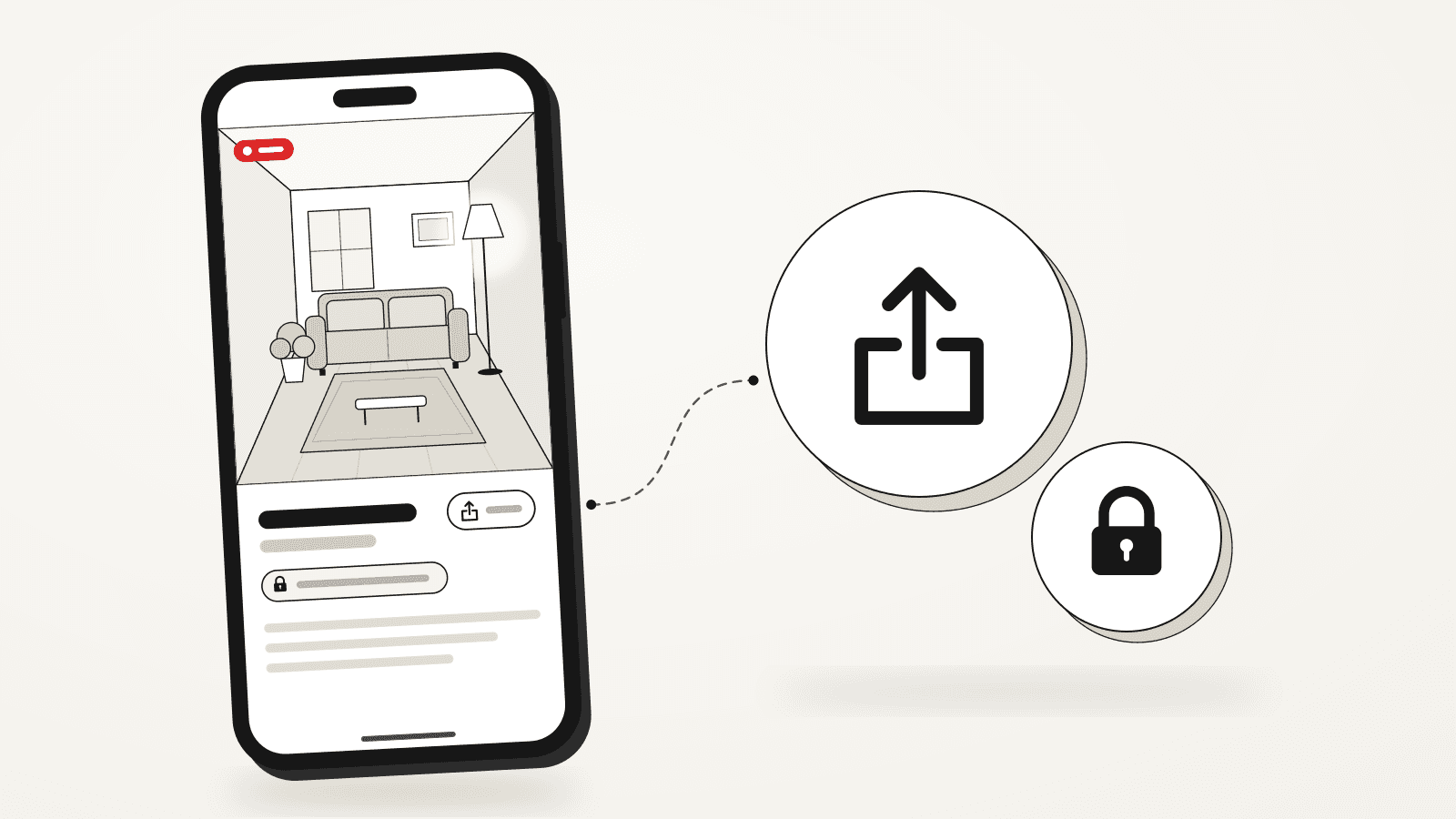
Not every broadcast is for everyone. Some are for one buyer who cannot travel, a family deciding together, or a small group of clients you have invited yourself. On diar.tv, you can make any launch, LIVE Viewing or LIVE Rental a private stream. This guide is for agents. It explains what a private stream is, who can see it, and what it does not do.
What it is
A private stream is a broadcast whose page opens only for people who have its link. In the form for a launch or a viewing, tick "Private stream". The form says what that means: only people with the link and diar.tv's admins can watch, and on a launch the developer's team too; it is not listed on diar.tv, in search or in the app; and your followers are not told.
Where it does not appear
A private stream is left out of everything that would lead a stranger to it:
- diar.tv's lists, the homepage and search.
- The app's lists and feed.
- Your profile.
- Search engines, and diar.tv's calendar feed.
- Your followers' emails. Followers are not told when it is scheduled or when you go live.
Who can see it
Anyone who has the link. You share it yourself: use the Share button on the page, and send the link to the people you choose, by message or email. Anyone who opens it, on a browser or in the app, sees the page and a notice: "Private stream. Only people with this link and diar.tv's admins can see this page." On a launch, the notice names the developer's team too.
Besides the people you send it to, diar.tv's administrators can open it, and so can the developer's team on diar.tv for a launch of theirs. Its chat is stored, as on any broadcast. If the broadcast was public before you made it private, anyone who saved it or asked for a reminder while it was public still has its link and is still told when it starts.
In your agent console, the broadcast is marked "Private" on its own page, so you can tell it apart from your public ones.
What it does not do
- It is not a password. The link is the invitation, and anyone you send it to can send it on. Do not use a private stream for anything that must stay confidential.
- It is not an exception to the rules. A private stream is still an advertisement to whoever holds the link. In Dubai, Abu Dhabi, Ras Al Khaimah and Sharjah its permit is shown, named with its authority, exactly as on a public broadcast: Trakheesi in Dubai, Madhmoun in Abu Dhabi, and the advertisement permit from RAK RERA in Ras Al Khaimah (a different authority from Dubai's RERA). Sharjah's SRERD requires written approval. Ajman's Department of Land and Real Estate Regulation issues real estate advertising permits. On diar.tv the number is optional in Ajman, so have it ready for buyers who ask.
- It does not build your audience. Nobody finds a private stream by chance, and your followers are not told. For a broadcast you want people to discover, keep it public.
When a private stream helps
- One buyer, far away. Walk them and their family through a ready home at a time that suits them.
- A small invited group. Show a launch to a few clients you have invited yourself.
- A family decision. Let a buyer send the link to the people who will decide with them.
When to keep it public
If you want followers to hear about it, the feed to show it and search engines to find it, leave "Private stream" unticked. A public broadcast is what grows a following. Our guide to following explains what your followers are told.
Where diar.tv stands
LIVE launches, LIVE Viewings and LIVE Rentals on diar.tv are presented live, or as premieres, by government-approved, verified agents. A private stream is checked like any other, and no money moves through diar.tv. Each emirate's rules on advertising are set by its own regulator; our guide to advertising permits explains them, and it is not legal advice.
The short version
Tick "Private stream" on a launch, LIVE Viewing or LIVE Rental, and its page opens only for people with the link. It is left out of diar.tv's lists, search, the app's lists, your profile, search engines and your followers' emails. The link is the invitation, not a password: diar.tv's administrators and, for a launch, the developer's team can also open it, and anyone who saved it while it was public keeps the link. The permit rules still apply.
Where to go next
- Your listings, in the agent console: diar.tv/agent/dashboard
- Following agents, developers and areas: diar.tv/articles/follow-agents-developers-areas
- Advertising permits in the UAE: diar.tv/articles/uae-property-advertising-permits