Following agents, developers and areas on diar.tv
diar.tv ·
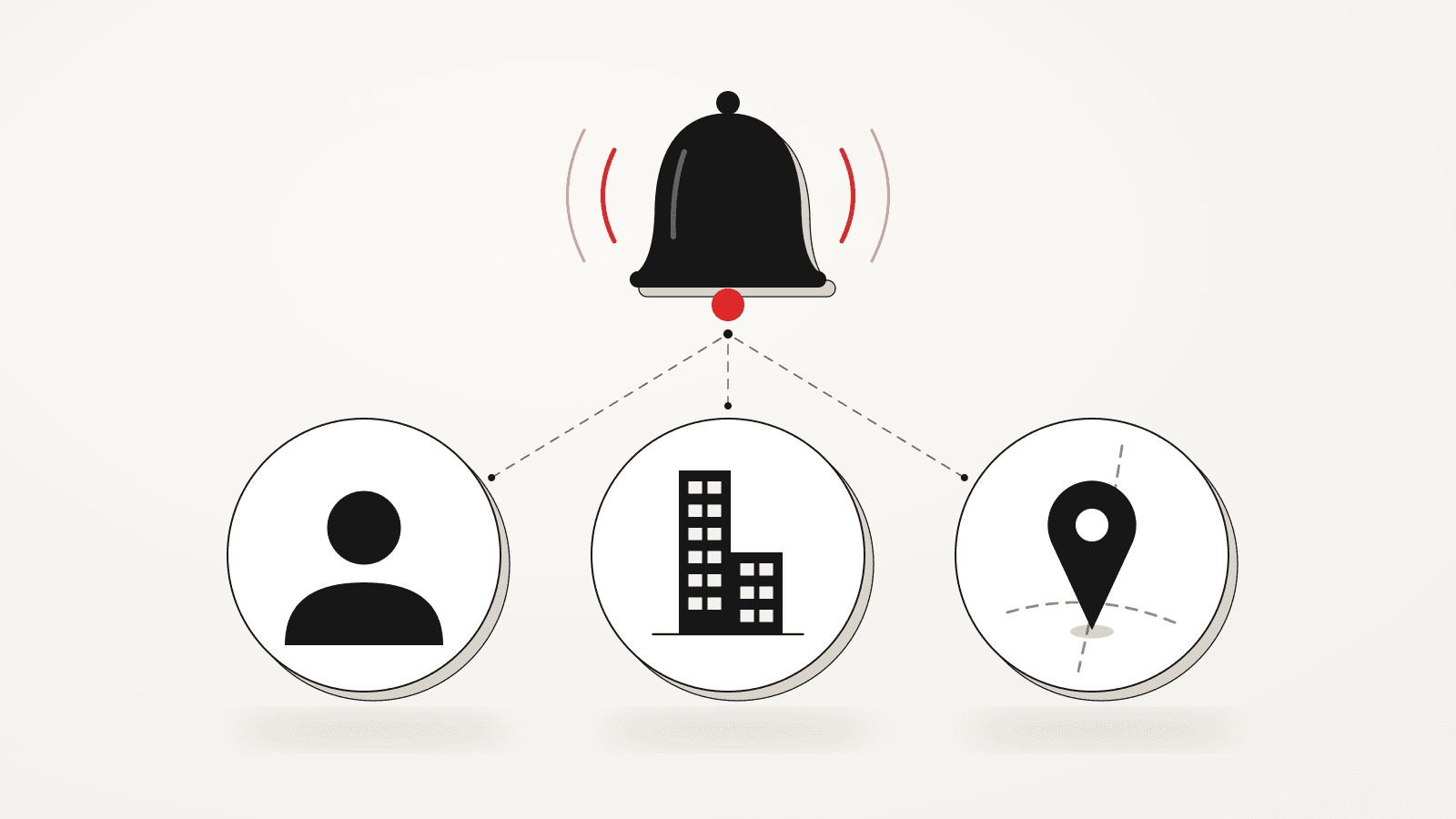
Broadcasts on diar.tv happen at set times, and the one you care about can easily come and go while you are looking the other way. There are four ways to keep track: follow, the heart, save and remind. They do different things, and this guide explains each one, what it tells you, and how to stop it.
Four ways, side by side
| What you do | Where | What it tells you |
|---|---|---|
| Follow | An agent's profile, or a broadcast's page | An email when they schedule a broadcast or go live, and a recap after if the form offered it |
| The heart | An agent's profile, or a launch | Nothing: it keeps the agent in a list in this browser, and adds one to their hearts |
| Save | A launch, when you are signed in | Alerts in your browser, if you turn them on |
| Remind me | One broadcast's page | Emails about that one broadcast |
Follow
Follow is the one that reaches you. You can follow an agent, a developer or an area. You do not need an account: you give your email, and we confirm the follow by email.
- An agent or a developer. We email you when they schedule a broadcast or go live and, if the form offered it, send a short recap after.
- An area. We email you when a broadcast in that area is scheduled or goes live and, if the form offered it, send a short recap after.
- Nothing else. And every email has a link to stop.
Your following page, diar.tv/following, shows the live and upcoming broadcasts from everyone you follow in this browser, in one place. If you are signed in, the follows under your account's email show there too, and you can manage them from your account.
The heart
The heart keeps an agent in your saved agents, in this browser only. It does not tell the agent who you are, and it sends you nothing. It only adds one to the number of people who have hearted them. Open your saved agents to see who you hearted, and their profiles to see what they are launching next.
Save
When you are signed in, you can save a launch. Turn on alerts in your browser, and you are told when it goes live, if it moves to a new time or is cancelled, and an hour before it starts once its host has tested the broadcast.
Remind me
For a single broadcast, leave your email under "Remind me". We confirm it by email, email you the day before and when it goes live and, if the form offered it, send a short recap after. If its host has tested the broadcast, we also email you in the hour before it starts. Your address is deleted a week after the broadcast. If the home is shown again within that week, your reminder moves to the new date, and your address is deleted a week after that one. Our guide to watching from another time zone covers reminders and calendars in more detail.
What following does not tell you
- Private streams. An agent can make a stream private: it opens only for people who have its link, the developer's team on a launch and diar.tv's admins, and followers are not told about it.
- Anything that is not a broadcast. Following sends you only the emails above: nothing else from diar.tv, and nothing from anyone else.
When a home is shown again
An agent can show a home again on a new date. When that happens, followers and people who saved the home are told the new date, and a reminder still on file moves to it. Our guide to showing a home again explains it.
How to stop
- Follow: use the link in any email about them.
- Remind me: use the link in any reminder.
- The heart: tap it again.
- Save: turn off alerts in your browser.
Where diar.tv stands
Launches, viewings and rentals on diar.tv are presented live, or as premieres, by government-approved, verified agents. Following costs nothing and commits you to nothing, and no money moves through diar.tv.
The short version
Follow an agent, a developer or an area, and we email you when they schedule a broadcast or go live; your following page gathers them in one place. The heart keeps an agent in a list in your browser, without saying who you are. Save a launch for browser alerts, or use Remind me for one broadcast. Every email has a link to stop.
Where to go next
- From who you follow: diar.tv/following
- Your saved agents: diar.tv/saved
- Upcoming LIVE launches and LIVE Viewings: diar.tv/upcoming
- Find an agent: diar.tv/agents
- Watching from another time zone: diar.tv/articles/watching-a-launch-from-another-time-zone
- Showing a home again: diar.tv/articles/showing-a-home-again