Showing your diar.tv launches on your own website
diar.tv ·
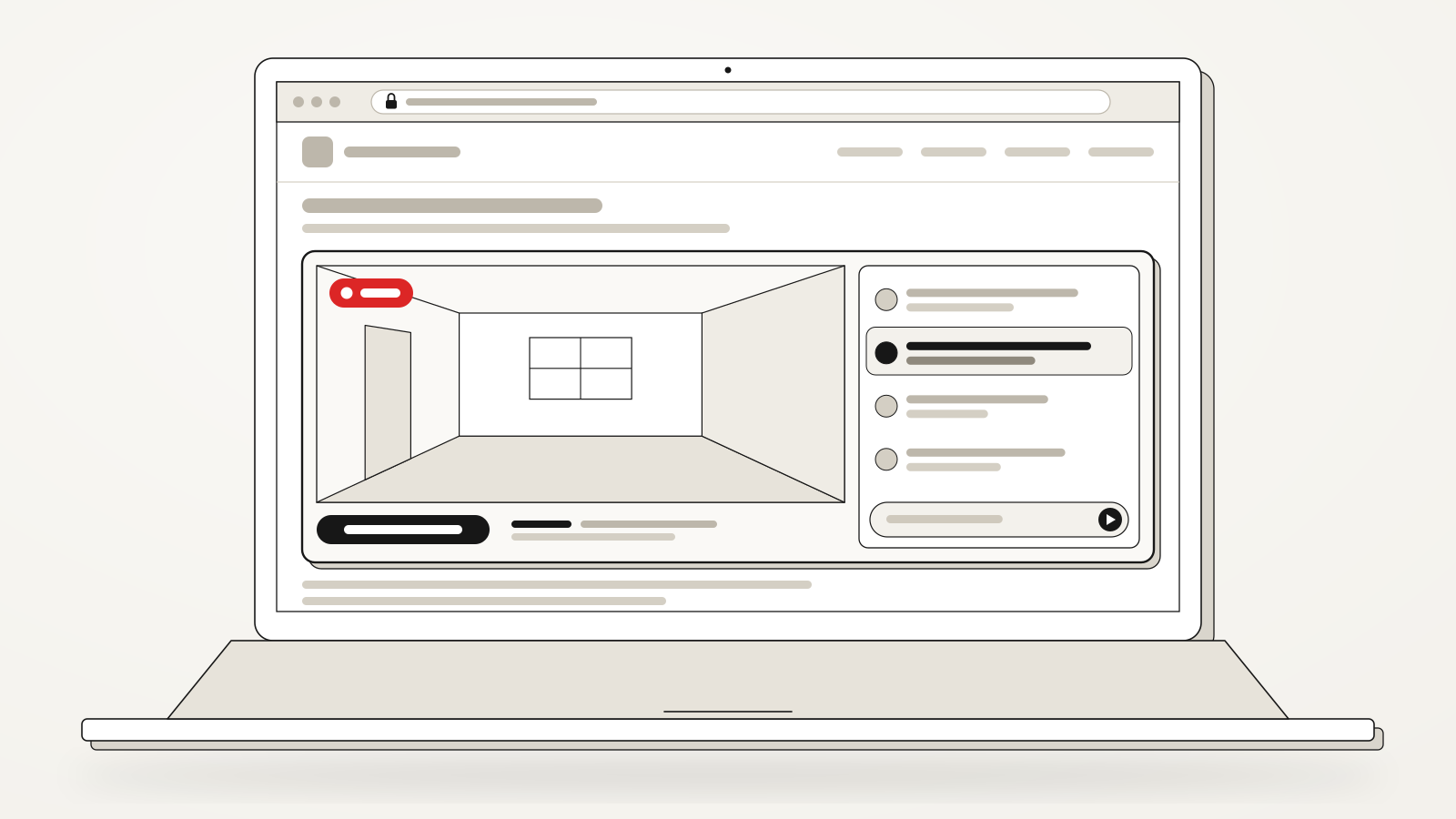
Your own website is where many of your clients already look for you. On diar.tv you can show your launches there too, inside your own pages, with the live player, the chat and Register interest working just as they do on diar.tv. This guide is for agents. It explains what appears on your site, how to set it up, and what stays the same.
What appears on your website
A launch shown on your website carries:
- The player, live while you broadcast.
- The live chat, the same chat as on diar.tv.
- Register interest, the same form as on diar.tv.
- The permit line, named with its authority, exactly as on diar.tv, in Dubai, Abu Dhabi, Ras Al Khaimah and Sharjah: Trakheesi in Dubai, Madhmoun in Abu Dhabi, SRERD's written approval in Sharjah, and the advertisement permit from RAK RERA in Ras Al Khaimah (a different authority from Dubai's RERA).
Links in it, such as "Watch on diar.tv", open diar.tv in a new tab, so your visitors never lose your page.
The forms are diar.tv's. What a visitor enters goes to diar.tv, and from there to you and the launch's developer, under diar.tv's privacy policy. The full expression of interest asks for a photo ID. Say so in your own site's privacy notice.
How to set it up
- Open "On your website" in your agent console.
- Add your website's address, such as youragency.ae, under "Your websites". The www. address is included. You can add up to five websites.
- Under "Your launches", the code for each launch appears; if you have added more than one website, choose the one it is for.
- Copy the code and paste it into your website where the launch should appear. Your web designer can do this step for you.
- Preview it, then publish the page on your site as you normally would.
Only where you say
A launch shows only on the websites you list, and only over https. If the code is pasted anywhere else, the browser refuses to show it there. If you remove a website from your list, the launch stops showing there the next time its page is loaded.
Launches, not viewings, for now
Only your launches can be shown on another website. LIVE Viewings cannot be shown on other websites yet, so they stay on diar.tv.
What stays the same
- Your leads. Every registration comes to you, and to the launch's developer, exactly as it does from diar.tv.
- The rules. The permit is the launch's own, and in Dubai, Abu Dhabi, Ras Al Khaimah and Sharjah diar.tv checks that it has the right form. The launch shows on your site as it is on diar.tv.
- The broadcast. You go live once, and it plays on diar.tv and on your site at the same time.
Making the most of it
- Put it where clients look: a page for the project, or your home page on launch night.
- Tell your clients. Send the page on your own site, as well as the diar.tv link, to the clients who have asked to hear from you.
- Keep it current. When a launch ends, swap its code for your next one.
Our guide to how agents build a following has more ideas for bringing people to a broadcast.
Where diar.tv stands
LIVE launches, LIVE Viewings and LIVE Rentals on diar.tv are presented live, or as premieres, by government-approved, verified agents. diar.tv's checks cover the launch inside the frame, not the rest of your page. Your page is your own advertisement, and the rules of your emirate, including its rules on permits, apply to it as they do to anything else you publish. No money moves through diar.tv, including the part of it shown on your website.
Each emirate's rules on advertising are set by its own regulator; our guide to advertising permits explains them, and it is not legal advice.
The short version
In your agent console, open "On your website", add your site's address, choose a launch and copy its code onto your page. The player, the chat, Register interest and the permit line appear there, and every lead comes to you, and the developer, as usual. The rest of your page is your own advertisement. It works only on the websites you list, and for launches, not LIVE Viewings, for now.
Where to go next
- On your website, in the agent console: diar.tv/agent/embed
- How agents build a following: diar.tv/articles/how-agents-build-a-following
- Advertising permits in the UAE: diar.tv/articles/uae-property-advertising-permits
- How agents and listings are checked: diar.tv/articles/how-agents-and-listings-are-checked