How agents build a following: profiles, stories and repeat viewers
diar.tv ·
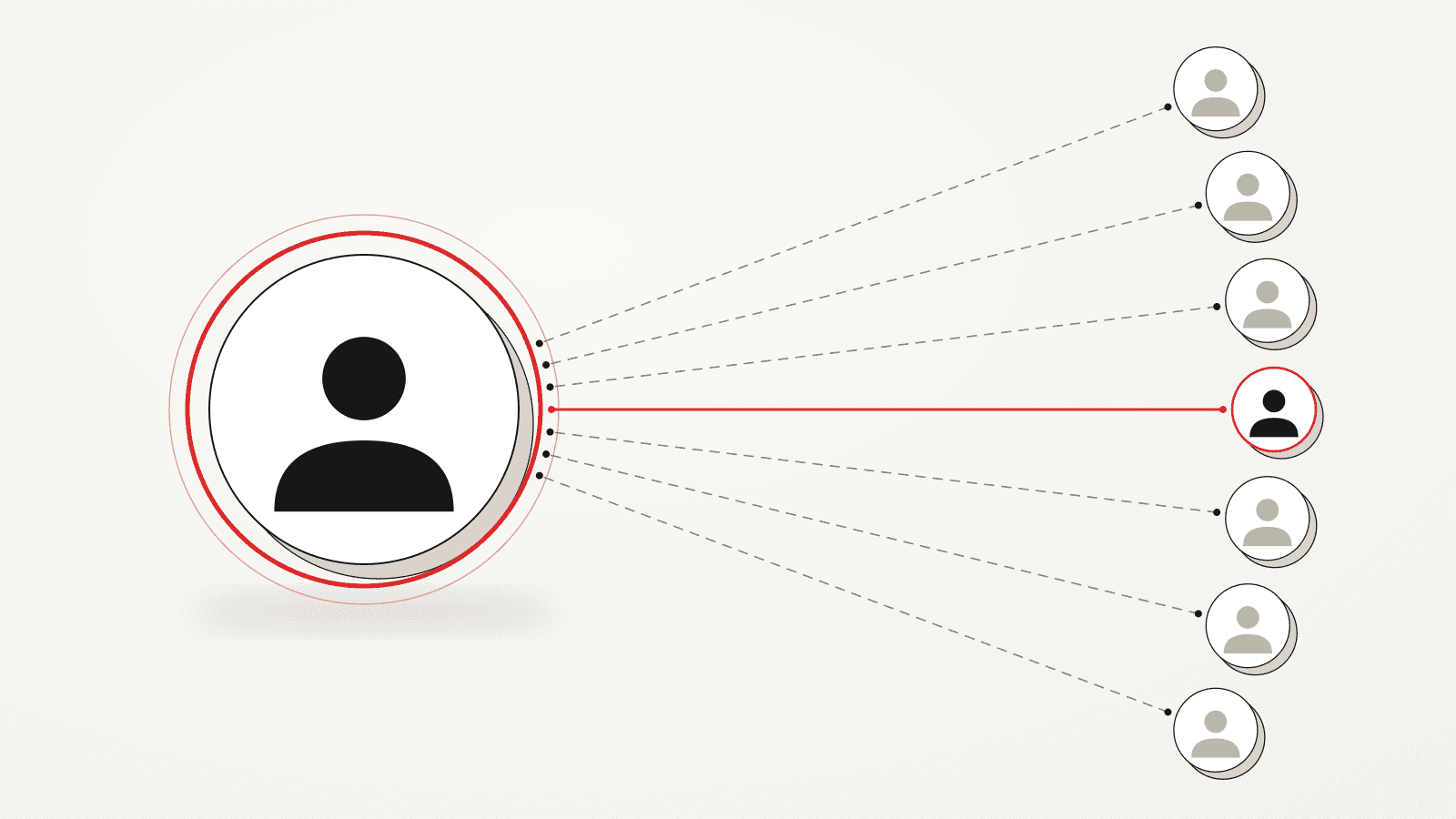
A broadcast ends. The agents who do well are the ones whose viewers come back for the next one, already knowing who they are.
That does not happen by itself. It is built between broadcasts, with a handful of plain tools. This guide goes through the ones on diar.tv, what each is for, and where the limits are.
Start with the profile
Every approved agent on diar.tv has a public profile in the agent directory, unless they make it private. It shows your photo, your agency, the languages you present in, your experience and your past launches.
- Use a photograph of your face. Viewers trust a face more than a company logo.
- List every language you can present in. Buyers choose broadcasts by language, so present in the languages you list.
- Claim your short link. Each agent can have an address of their own, diar.tv followed by their name. Put it wherever you already talk to buyers.
Give viewers a way to come back
A viewer can do two things on your profile.
- Follow you. A follower is emailed when you schedule a broadcast or go live and, if the form they used offered it, is sent a short recap afterwards. Nothing else is sent, and every email lets them stop.
- Favourite you. The heart keeps you in their list of saved agents, in their own browser, and adds one to the count of hearts on your profile. It does not tell you who they are.
Say it on air. "If this was useful, follow me on this page and you will hear about the next one" takes five seconds, and most agents never say it.
Share the broadcast where your buyers already are
When you share a launch or a viewing, anyone who opens it can set a reminder, follow you and get in touch with you. So share the page itself, not a screenshot of it.
Share it twice: once when the date is set, and once on the day.
A post that shows a property is an advertisement wherever you post it. In an emirate that issues a permit, put the permit on the post in the way its regulator requires.
Stories: teach, do not sell
A story is a short post on your profile: a picture, or a video of up to thirty seconds. It leaves your profile after a day, unless you add it to a Highlight, and is kept privately for you for twelve months.
Stories on diar.tv are social, educational and informative. They are not advertisements, and the difference is enforced: a caption that mentions a price, or what a property might earn, is refused.
That is a help, not a handicap. The posts that bring viewers back are the ones that teach them something.
- A walk down a street you know well, and what is on it.
- One term explained in twenty seconds.
- What you are checking at a site visit, and why.
- A question a buyer asked you this week, and your answer.
- What your day looked like before a broadcast.
Highlights: when you do want to show a property
Stories leave your profile after a day. A Highlight stays on it.
A Highlight may point to a property, in one way only: by linking to one of your own LIVE launches, LIVE Viewings or LIVE Rentals. While that launch is public, your profile shows a link to it. In Dubai, Abu Dhabi, Ras Al Khaimah and Sharjah, the permit is recorded against the launch and shown beside the link, named with the authority that issued it: Trakheesi in Dubai, Madhmoun in Abu Dhabi, and the advertisement permit from RAK RERA in Ras Al Khaimah (a different authority from Dubai's RERA). Sharjah's SRERD requires written approval. Ajman's Department of Land and Real Estate Regulation issues real estate advertising permits. On diar.tv the number is optional in Ajman, so have it ready for buyers who ask. Umm Al Quwain and Fujairah license their brokers and developers, and we know of no permit there for each advertisement. The permit belongs to the launch. It is not typed onto the Highlight.
The rule for words is the same as for stories: no price and no promise in a title or a caption. The launch carries the details, and the Highlight links to it.
Answer in public
Buyers ask questions in public on diar.tv, and government-approved, verified agents answer them. An answer is reviewed, then published with your name and a link to your profile.
The limits are stated on the form: no prices, no percentages, no mention of what a property might earn, and no links or contact details. If you want to point to a property, attach one of your launches; in Dubai, Abu Dhabi, Ras Al Khaimah and Sharjah its permit is shown with it, and in Ajman when you have added it.
A good answer is short, true and useful to somebody who will never become your client. Those are the ones people remember you by.
Be regular
A following is a habit, and habits need a timetable.
- Pick a rhythm you can keep. One broadcast a fortnight for a year beats five in one month.
- Keep the same evening where you can. Launch Nights on diar.tv are Tuesdays and Thursdays at 19:00 Dubai time.
- Present in the language your buyers think in, and say so in your profile.
Follow up like someone who wants to be followed
Every expression of interest submitted on your broadcast comes to you: it appears on your dashboard, and you are emailed about it. Answer the same evening.
Then answer the people who only asked a question. They are the ones who decide whether to come back.
What not to do
- Do not chase numbers. Twenty people who watch every broadcast are worth more to you than a thousand who watched once.
- Do not promise. Not what a home will earn, and not what it will be worth. Everything on your profile is public, and the same rules apply to it.
- Do not go quiet after a launch. The week after is when a viewer decides who you are.
This guide explains diar.tv's own rules. It is not legal advice; the advertising rules in each emirate are set by its regulator.
The short version
A face on your profile, your languages listed, your own link shared. Ask viewers to follow you. Teach in stories, show property through your launches, answer questions in public, and keep a timetable.
Where to go next
- The agent directory: diar.tv/agents
- A working guide to live streaming for agents: diar.tv/articles/real-estate-live-streaming
- Apply to stream: diar.tv/apply