Real estate live streaming: a working guide for agents
diar.tv ·
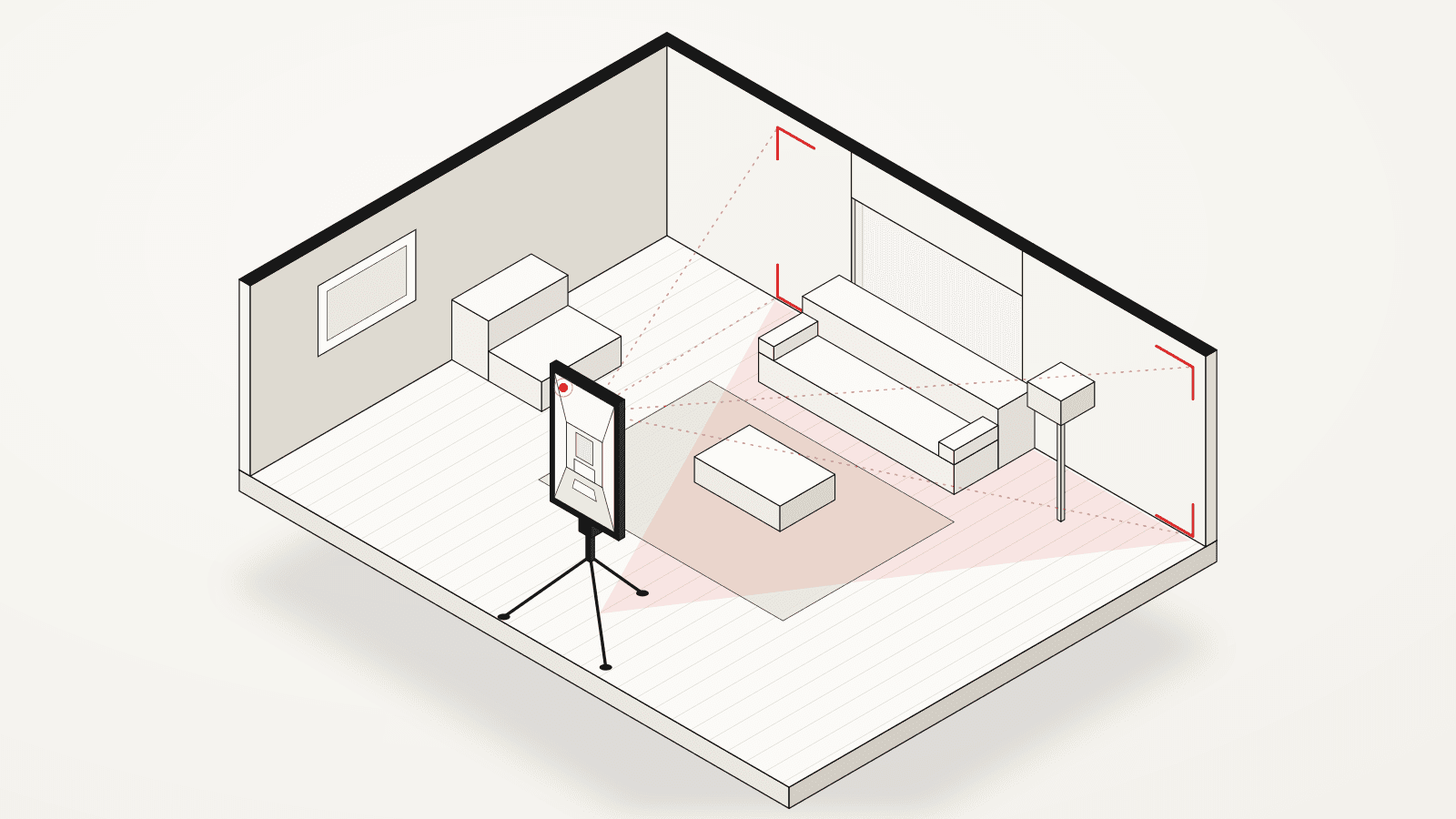
Real estate live streaming means presenting a property to an audience in real time. You are on camera, the buyers are in a chat beside the video, and their questions are answered as they arrive. It suits the two moments when a buyer most wants to interrupt: a new off-plan launch, and a viewing of a home that already exists.
This guide is for the agent doing the presenting. It covers what to have in place before the day, how to run the broadcast, what not to say on air, and what to do when it ends. The examples come from diar.tv, where government-approved, verified agents stream LIVE launches and LIVE Viewings, but most of it holds wherever you broadcast.
What a live stream is good for, and what it is not
A live stream replaces the same phone call made forty times. It reaches the buyer who is abroad, and the one who is ten minutes away and busy. A question is answered once, in front of everyone, which is also why buyers believe the answer.
It is not a sales office. Nothing is sold on the stream. On diar.tv a viewer of a launch can submit an expression of interest (EOI), which is a non-binding way of telling you which unit they have in mind. A viewer of a LIVE Viewing can make an offer at the price you stated. Neither is a reservation or a contract. Any payment is made away from diar.tv: for an off-plan unit through the developer's official channel, and in Dubai into the project's escrow account; for a resale, as the signed sale document says.
Before the day: five things to have in place
- Your licence, and your approval to stream. Brokers are licensed by their emirate's regulator: a RERA card in Dubai, an ADREC BLN in Abu Dhabi, and the equivalent in each of the other five emirates. On diar.tv, an agent applies with their licence, an Emirates ID or passport, a profile photo and company details, and a person reviews each application before the agent can stream.
- The right to advertise this property. A live broadcast of a property is an advertisement like any other. Wherever an emirate issues a permit, the advertisement should carry its number: Trakheesi in Dubai, Madhmoun in Abu Dhabi, and the advertisement permit from RAK RERA in Ras Al Khaimah (a different authority from Dubai's RERA). Sharjah's SRERD requires written approval before you advertise. Ajman's Department of Land and Real Estate Regulation issues real estate advertising permits. Umm Al Quwain and Fujairah license their brokers and developers, and we know of no permit there for each advertisement. For an off-plan launch in Dubai, RERA also expects you to check that the project is registered with it, that it has an escrow account, and that your brokerage has a marketing contract with the developer. Other emirates have their own rules, so check with the regulator there.
- For an existing home, the owner's authorisation. On diar.tv, before a LIVE Viewing can go public the agent uploads the owner's authorisation for that specific home, and a person opens the document and checks it by hand. If you edit the listing later, it goes back to be checked again.
- A date and a time, announced early. A broadcast nobody knew about has no audience. On diar.tv the start time is shown in Dubai time and in each viewer's own, and anyone who opens the page can set a reminder.
- A connection tested where you will stand. Test it in the room you will broadcast from, at the hour you will broadcast, not at your desk. A lobby, a lift and a balcony each behave differently.
Two ways to broadcast
When you create a launch or a viewing on diar.tv, it is given its own broadcast connection. There is no outside platform to open, and viewers watch on the listing page.
- From a streaming app, on a phone or a computer. Open the live console, copy the server details it shows for that broadcast, paste them into the app, start the stream there, then press "Go live". These broadcasts are recorded automatically. When you end the stream, you fetch the recording from the console and mark it available.
- Straight from the browser. No app is needed. On Chrome or Edge, on a computer or an Android phone, the broadcast is recorded on your own device and you upload it from the console afterwards. From Safari or an iPhone it is live only, and there is no recording.
If you want the broadcast to be watchable afterwards, choose the route that records before you start.
A running order that works
- Open with who, what and how long. Say your name and agency, what you are about to show, and how long it will take. Viewers decide in the first minute whether to stay.
- Show before you tell. For a viewing, walk the home in the order a visitor would: the door, the living space, the kitchen, the bedrooms, the view. For a launch, start with where the project is and what is being released today.
- Stop for questions on a schedule. Every few minutes, read the chat. Read each question aloud before you answer it, so that someone who joined late can follow.
- Say what you do not know. "I will check and message you" is a better answer than a guess made in front of an audience.
- Close with the next step. Tell viewers exactly what they can do: submit an EOI on a launch, make an offer on a viewing, or use "Request info" to ask for the brochure and floor plans without registering interest.
What not to say on air
- Do not promise what a property will earn or what it will be worth. A broadcast is advertising, and claims like that can break the advertising rules.
- Give one price. On a LIVE Viewing the price is stated on air and on the listing, and it is the same price. There is no bidding.
- Never take money on a stream. Do not read out bank details and do not ask for a transfer. A booking fee for an off-plan unit is paid through the developer's official channel. In Dubai, the law requires it to go into the project's escrow account, and RERA expects you to tell buyers so.
- Keep other people's documents off camera. A title deed or a passport left on a kitchen counter is in the broadcast.
- Keep other people off camera unless they have agreed. A tenant still living there, a neighbour in the corridor, a resident in the lift. In the UAE, filming or broadcasting someone without their consent can be an offence.
When something goes wrong
- Your signal drops. On diar.tv the broadcast connection itself is watched, so viewers see a notice on the video telling them the signal has dropped, and it clears on its own when you are back. When you are, say what they missed.
- Nobody asks anything. Have three questions ready that buyers usually ask, and answer them yourself. The chat tends to follow.
- A question you would rather not answer. Answer it. The others watching have the same question, and they are judging the answer as much as the property.
After the broadcast
Every EOI submitted on your launch comes to you, so that you can follow it up. It arrives in your dashboard and in your inbox with the buyer's name, contact details and unit preference, while the broadcast is still running. Follow up the same day.
If you recorded the broadcast, publish the replay. Until you do, a viewer who arrives late can still send you an enquiry from the page.
Your public profile keeps the record. On diar.tv every approved agent has one, with a photo, agency and languages, their past broadcasts unless they make the profile private, and a short link of the form diar.tv/yourname to share anywhere. A viewer who follows you can find your next broadcast without searching for it.
A checklist to keep
- Licence current, and approval to stream in place
- Permit number on the listing, where diar.tv requires one
- Owner's authorisation uploaded, for an existing home
- Date and time announced, in good time
- Connection tested in the room, at that hour
- A recording route chosen, if you want a replay
- Opening line, running order and three spare questions written down
- Nothing on camera that should not be
- Follow-up time blocked in your day, straight after
This guide is not legal advice. In Dubai, RERA, part of the Dubai Land Department, is the authority on broker licences and advertising permits; in another emirate, ask its real estate regulator.
Where to go next
- Apply to stream: diar.tv/apply
- How agents and homes are checked: diar.tv/verification
- Common questions: diar.tv/faq