The unit board: what Released and Sold mean at a live launch
diar.tv ·
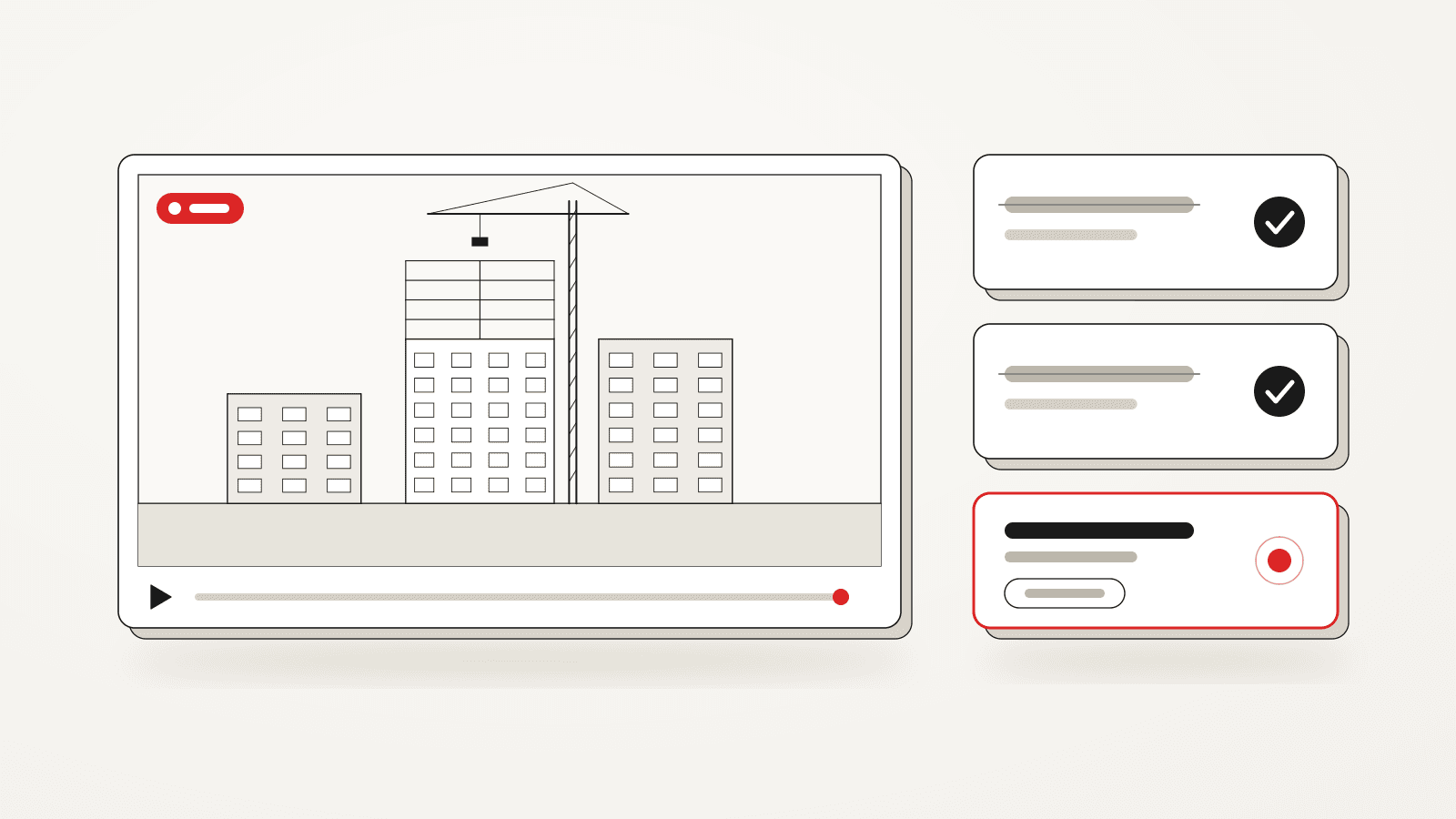
At a property launch, units are released and sold while the event is still going on. On diar.tv the agent can show that as it happens, on a list under the video called the unit board.
This guide explains what the board shows, what the two words on it mean, and, just as important, what it does not do.
What the board is
The unit board is a list of units that the agent announces on air during an off-plan launch. Each unit on it reads Released or Sold. When the agent taps, every viewer sees the change at the same moment.
It is the live version of an agent holding up a card. It is used at LIVE launches only, not at LIVE Viewings of ready homes.
What the two words mean
- Released. The agent has announced the unit on air: it is now being offered at this launch.
- Sold. The agent has announced that the unit is sold.
An agent can prepare units before going live. Until a unit is released, viewers do not see it.
What the board does not do
The board says so itself, under the list: nothing is reserved here, and allocation and payment are with the developer.
- It holds nothing for you. No unit is set aside for a viewer, and there is no queue.
- It takes no money. No money moves through diar.tv at any point.
- It is not the developer's stock list. It shows what the agent announced, not everything the developer has.
Sold cannot be taken back
A unit marked sold stays sold. A unit that has been announced cannot be withdrawn or changed; if the agent made a mistake, they add a new entry.
That is deliberate. Everyone watching saw the announcement, and what was announced to all of them stays announced. It is why the board can be trusted as a record of what was said.
Registering interest in a unit
Where the launch's form is on the page, a released unit carries a "Register interest" button. It fills in that form with the unit's name, so that your interest reaches the agent with the unit named.
Registering interest is a non-binding first step. It does not hold the unit, and it does not commit you to buy. The developer allocates units, and any payment is made to the developer, outside diar.tv.
At a busy launch
Units can be announced quickly. A little preparation helps.
- Decide in advance what matters to you: the size, the floor, the view, the layout.
- Have your questions ready, so that you can ask about a unit as soon as it is released.
Our checklist for the day before a launch covers the rest.
When the broadcast ends
The board closes when the broadcast ends. Where it is shown afterwards, it is the board as it stood at that moment, and it says so.
To ask whether a unit is still available later, ask the agent or the developer. The board records the broadcast; it does not follow the sales that come after it.
For agents: using the board well
- Add your units before you go live, so that releasing one is a single tap.
- Release a unit as you announce it, and say it aloud as well.
- Mark a unit sold only when the developer has confirmed the sale. It cannot be undone.
- Describe each unit by what it is: its type, its size, its view. The board is held to the same rules as everything else on diar.tv: no promises of what a home will earn.
The short version
The unit board shows what the agent announces during a launch: Released when a unit is offered, Sold when it is sold. Every viewer sees the same thing at the same moment, and sold is final. It reserves nothing and takes no money: registering interest is a non-binding first step, and the developer allocates units.
Where to go next
- LIVE off-plan launches: diar.tv/off-plan
- What is an EOI? From first interest to title deed: diar.tv/articles/what-is-an-eoi
- Before you watch a launch: diar.tv/articles/before-you-watch-a-property-launch