Making an offer on a ready home: what it does, and what it does not
diar.tv ·
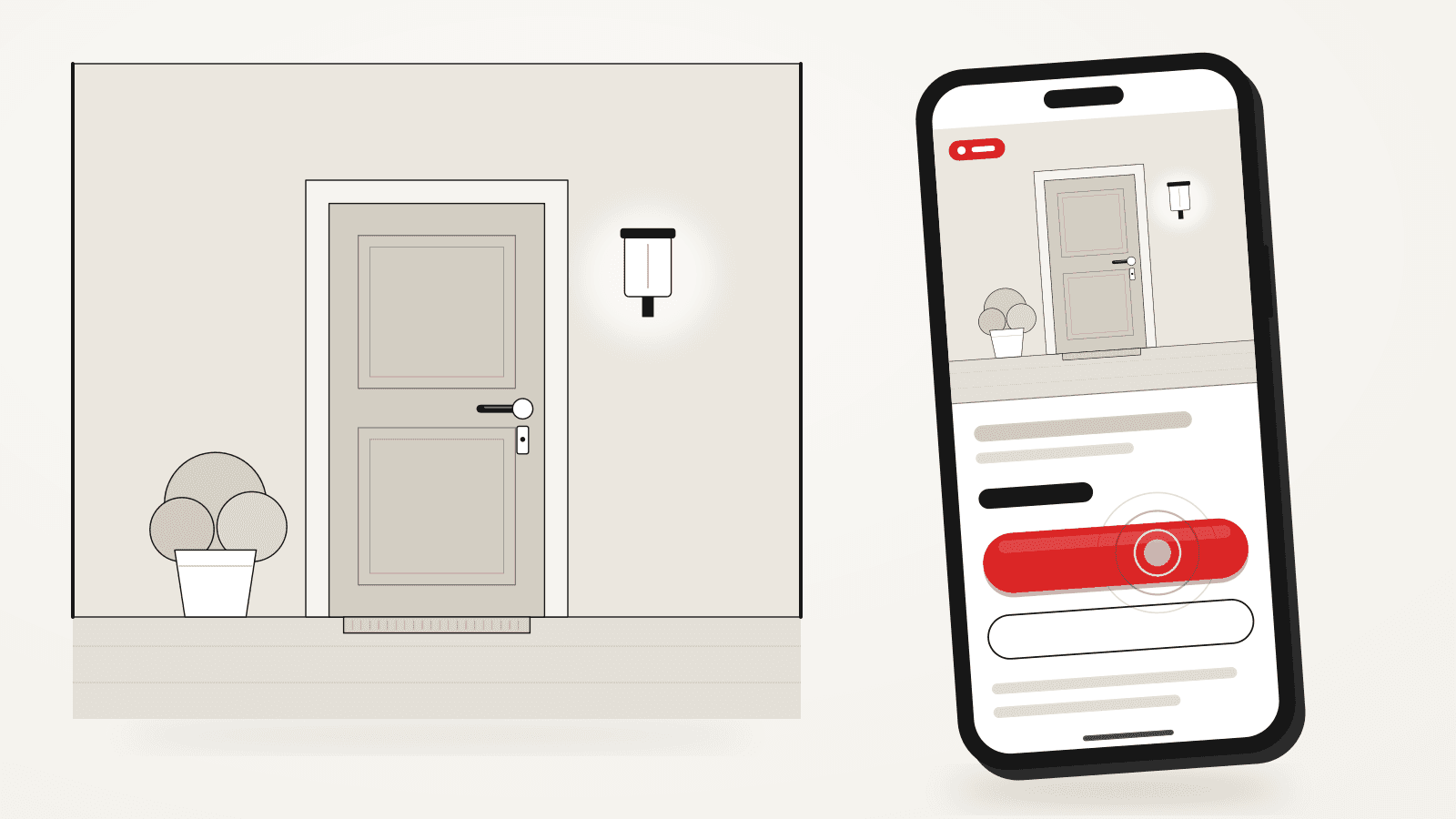
On a LIVE Viewing, an agent walks through a home that is already built, and you can act on what you see before the broadcast ends. The button is "Make an offer". This guide explains exactly what that button does, what it asks of you, and what it does not do.
What an offer means on diar.tv
An offer on diar.tv means one thing: "I will take it at your stated price."
- The agent names one price, or for a rental, one annual rent. It is stated on air and on the listing.
- There is no bidding, no haggling and no auction. The form has no box for an amount, on purpose. An offer with an amount of its own would be a bid, and diar.tv does not run bids.
- It is not binding. Making an offer commits neither you nor the seller.
What the form asks for
The offer goes to the agent with enough to contact you and to begin the paperwork:
- Your details: your name, email, phone and nationality, and a message if you want.
- A copy of your ID. It is required. It goes to the listing agent. diar.tv keeps it in private storage that only that agent and diar.tv's administrators can open. Once the agent has it, they are responsible for how they keep it. You can ask diar.tv to delete the copy it holds, as the privacy policy explains.
- Your consent to share these details with the listing agent.
If you want to see more first, ask the agent to send you the materials before you make an offer.
What happens next
The agent receives your offer and your ID, and contacts you directly. From there, the conversation is between you and the agent, and through them, the seller.
When it becomes binding
Making an offer on diar.tv binds neither you nor the seller. What can bind you is what you sign or pay afterwards, away from diar.tv. These are the main documents:
- In Dubai, the sale is agreed on Form F, the memorandum of understanding for secondary-market sales, signed by both buyer and seller. Our guide to Form F, the MOU and the SPA explains it.
- In the other emirates, ask the agent which document is the binding one there, and who signs it.
- For a rental, the main document is the tenancy contract the landlord and the tenant sign.
Before you sign or pay anything, including an agreement with an agent or a holding deposit for a rental, ask what it commits you to, and take advice if you are unsure.
What diar.tv checks before a viewing goes public
Before a LIVE Viewing can go public, the agent uploads the owner's authorisation for that specific home, and a person at diar.tv opens the document and checks it by hand. No document, no broadcast. Once it is public, the agent can change only its start time and cover photo, whether it is a private stream and, in Dubai, the Trakheesi QR code. To change anything else, they must first cancel it; the change then clears the check, and the viewing is checked again before it can go public.
That means a person at diar.tv has seen a document showing the owner's authorisation for this home when the viewing was set up. It is not a check with the land department, and it does not replace your own checks: the title deed, the agent's licence and the contract.
When the home is gone
Once a home is sold or let, its page says so, and the offer form gives way to a line inviting you to ask the agent about similar homes that are available.
Before you press the button
- Watch the whole tour, or ask for what you did not see: a room, the view, the building's shared parts.
- Check the agent's licence with the regulator. Our guide to checking an agent's licence explains how.
- Read the listing line by line. Our guide to reading a listing explains each line.
- Ask what the price includes, and what you will pay on top of it, so that you are not surprised later.
- Be ready to be contacted. The agent will call or write to you; reply from the number or address you gave.
What diar.tv does not do
diar.tv does not negotiate, hold a home for you, take a deposit or move money. No document is signed on diar.tv. Payment, when it comes, is made under the contract you sign, outside diar.tv.
This guide is not legal advice. In Dubai, the Dubai Land Department is the authority on Form F; in the other emirates, ask the emirate's land department.
The short version
"Make an offer" on a LIVE Viewing says you will take the home at the agent's stated price. It carries no amount, it sends your details and your ID to the listing agent, and the offer itself binds no one. What can bind you is what you sign or pay afterwards: in Dubai, Form F; for a rental, the tenancy contract; elsewhere, ask which document it is.
Where to go next
- LIVE Viewings of ready homes: diar.tv/properties
- LIVE launches of new projects: diar.tv/off-plan
- Form F, the MOU and the SPA: diar.tv/articles/form-f-mou-spa
- What a live viewing shows that photographs cannot: diar.tv/articles/live-viewing-vs-photographs
- How to read a property listing: diar.tv/articles/how-to-read-a-property-listing
- How to check an agent's licence: diar.tv/articles/check-real-estate-agent-licence-uae